Torah lessons platform · Web, with YouTube for playback
A purpose-built experience for finding and publishing Torah content.
A platform for a rabbi's short video lessons on Jewish business law: easy to search for viewers, and nearly effortless to publish for the rabbi.
- Audience
- Viewers, members and one publisher
- Built
- Public site, admin area, publishing pipeline
- Stack
- Python API, Postgres, React, YouTube Data API
- Status
- Live
Client name and identifying details changed for privacy.
Context
A rabbi records short lessons on applying Jewish law to work, money and commerce, and shares them with a WhatsApp group. Over time the lessons piled up with no good way to browse them, search them or point someone to the right one.
Publishing each lesson by hand, with a title, description, thumbnail and YouTube upload, took time the rabbi didn't have.
What people needed
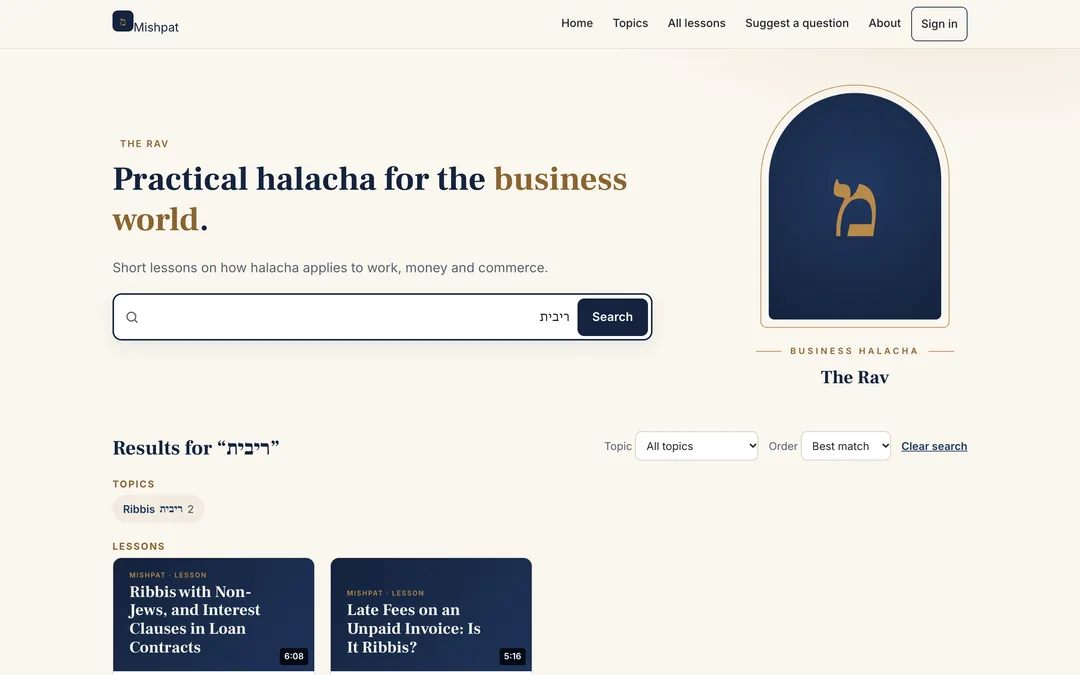
Viewers need to find a lesson on a specific question, often searching with a Hebrew term or one of several English spellings.
The publisher needs to go from a phone recording to a published lesson with as little typing as possible, while staying in control of what goes out.
What we built
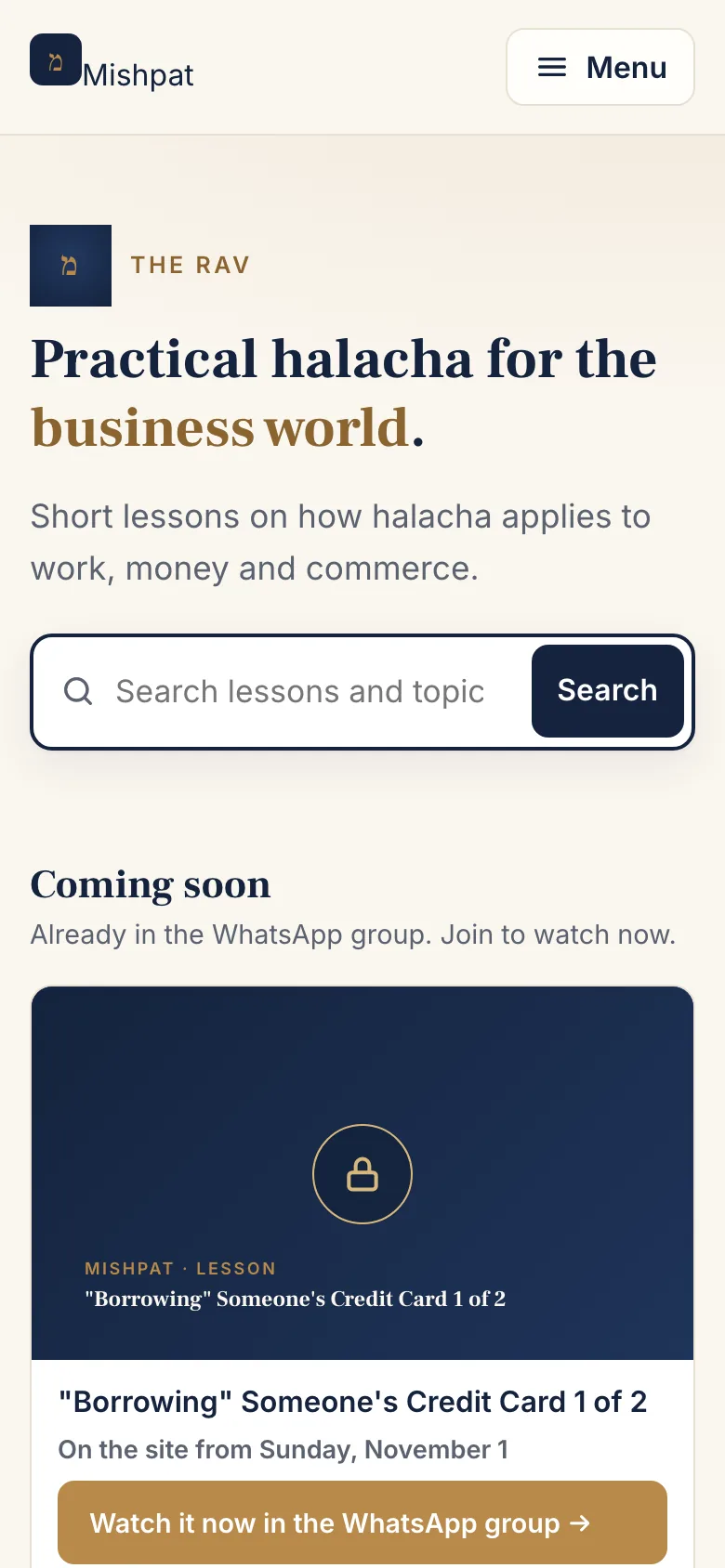
We built a lesson platform around both needs. The public site is a searchable catalogue: topics, series, lesson pages and one search box that understands Hebrew and transliteration. Anyone can watch without an account; members can sign in by email link to join discussions.
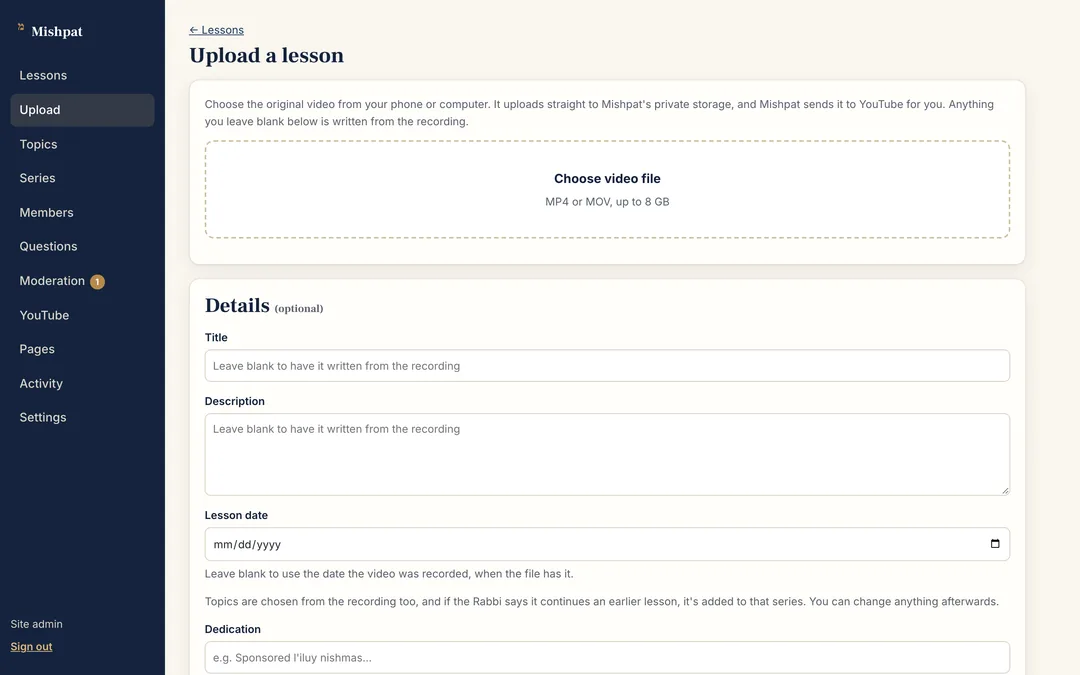
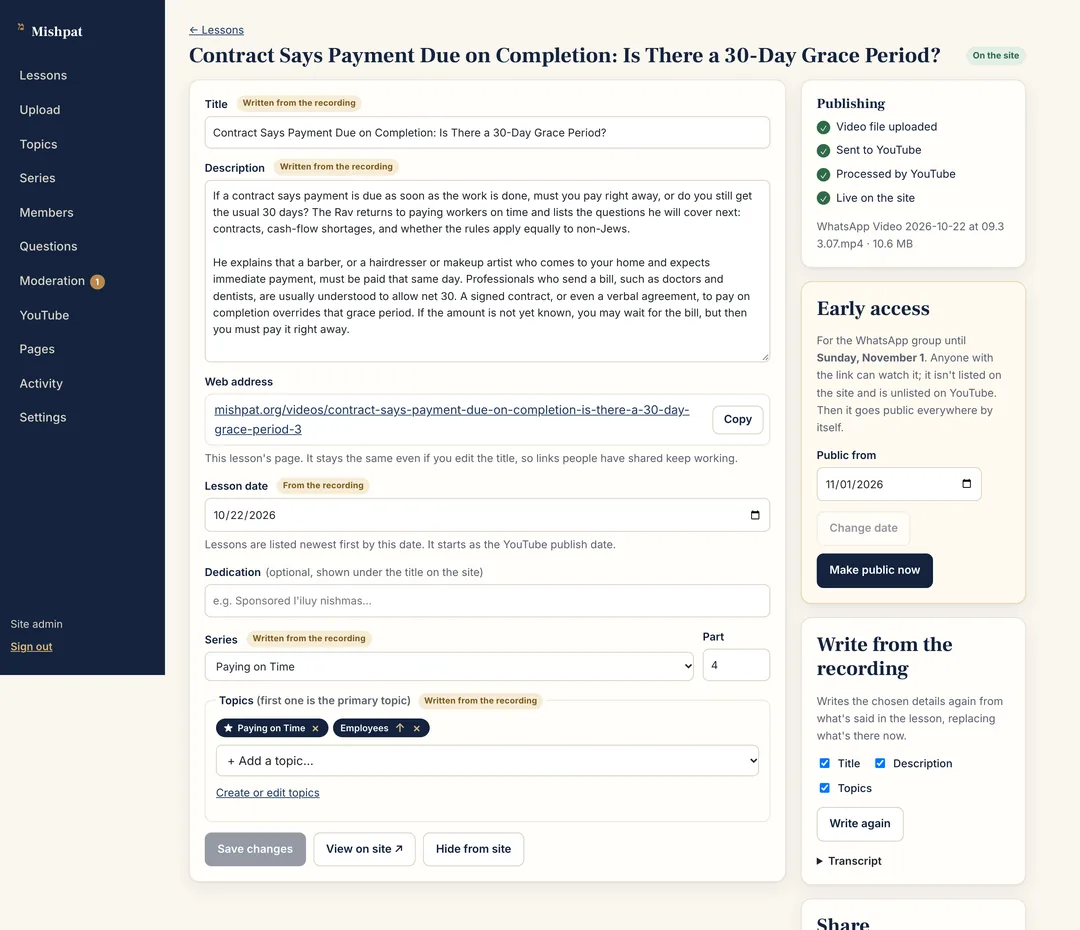
The admin area is built around the phone. The rabbi uploads the recording and can leave everything else blank. The platform drafts the details from the recording, sends the video to YouTube, makes a title card and puts the lesson live when it's ready, marking each drafted field for review.
The first version went live the same day as its first commit; the publishing pipeline, member discussions and drafting followed over the next three days.
What it looks like
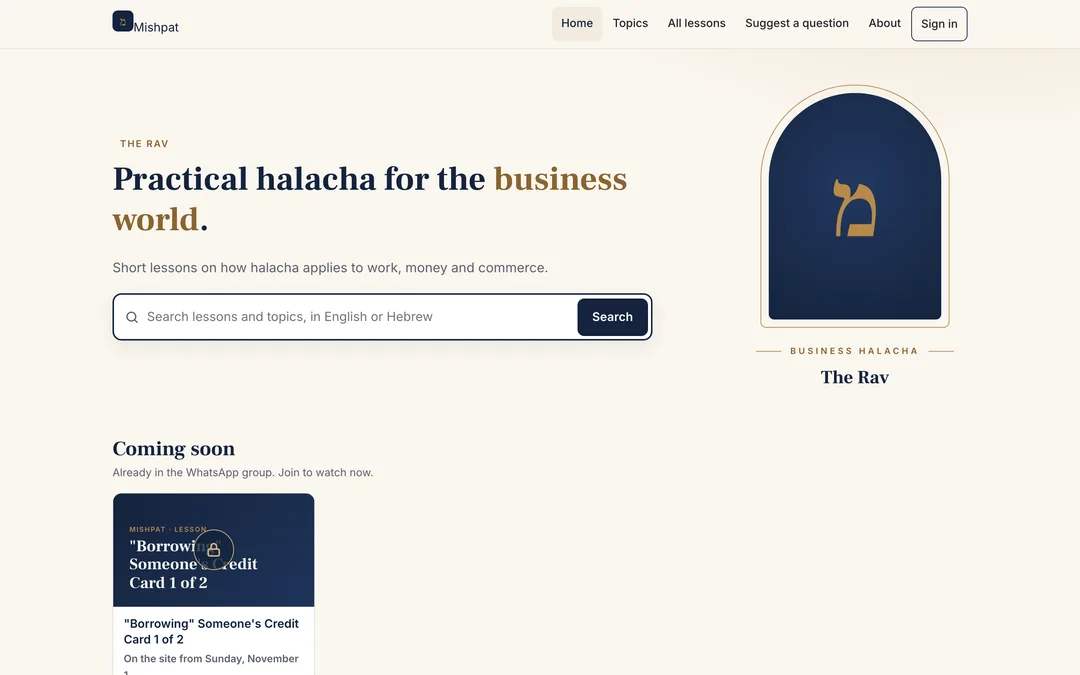
The connected journey
- Record
The rabbi records a lesson on a phone, as before.
- Upload
A resumable upload from the phone to private storage.
- Draft
Title, description and topics are drafted from the recording and marked for review.
- Publish
The video goes to YouTube, and the lesson goes live with its own page and title card.
- Discover
Viewers find it by topic, series or search, in English or Hebrew.
What Rugged Demand did
- Product definition with the rabbi: who uses it and what each person needs to do
- Visual design of the public site and admin area
- The full build: API, database, public site, admin area and background worker
- YouTube integration, storage, email sign-in and moderation
- Hosting, search engine metadata and analytics
Evidence
Delivered and live
- Searchable catalogue with topics, series and lesson pages
- Hebrew and English search, including transliterated spellings
- Phone-friendly upload and YouTube publishing
- Details drafted from the recording, marked for review
- Email-link sign-in, member approval and moderated discussion
- Early access for the WhatsApp group before lessons go public
Measured outcomes
We haven't published usage figures for this platform yet.